Snitch — Visual Network Inspector
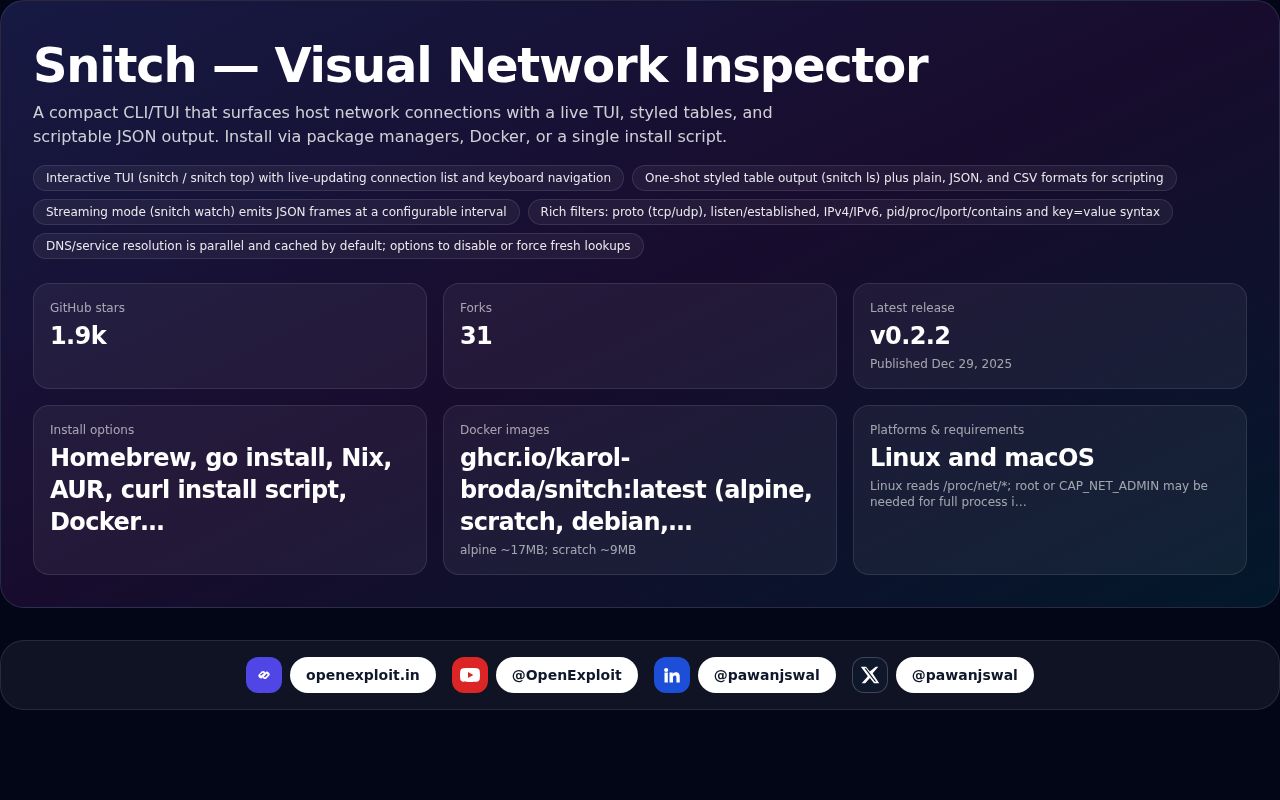
A compact CLI/TUI that surfaces host network connections with a live TUI, styled tables, and scriptable JSON output. Install via package managers, Docker, or a single install script.

Tired of raw ss/netstat output? Snitch turns noisy sockets into a clean, interactive view — fast to install, easy to script.
A compact CLI/TUI that surfaces host network connections with a live TUI, styled tables, and scriptable JSON output. Install via package managers, Docker, or a single install script.
Source: GitHub: karol-broda/snitch — Source link
Highlights
| Metric | Value | Notes |
|---|---|---|
| GitHub stars | 1.9k | |
| Forks | 31 | |
| Latest release | v0.2.2 | Published Dec 29, 2025 |
| Install options | Homebrew, go install, Nix, AUR, curl install script, Docker, binary releases | |
| Docker images | ghcr.io/karol-broda/snitch:latest (alpine, scratch, debian, ubuntu) | alpine ~17MB; scratch ~9MB |
| Platforms & requirements | Linux and macOS | Linux reads /proc/net/*; root or CAP_NET_ADMIN may be needed for full process info; macOS may require sudo |
Key points
- Interactive TUI (snitch / snitch top) with live-updating connection list and keyboard navigation
- One-shot styled table output (snitch ls) plus plain, JSON, and CSV formats for scripting
- Streaming mode (snitch watch) emits JSON frames at a configurable interval
- Rich filters: proto (tcp/udp), listen/established, IPv4/IPv6, pid/proc/lport/contains and key=value syntax
- DNS/service resolution is parallel and cached by default; options to disable or force fresh lookups
- Config at ~/.config/snitch/snitch.toml with environment overrides (SNITCH_THEME, SNITCH_RESOLVE, SNITCH_DNS_CACHE, SNITCH_CONFIG)
- Docker usage notes: --net=host required to see host connections; use --pid=host and --cap-add=SYS_PTRACE for full process info
Timeline
- Dec 29, 2025 — Release v0.2.2 published
Why it matters
Snitch makes network troubleshooting and observability faster and more accessible for developers and operators. Its TUI and machine-friendly outputs simplify live inspection, automation, and integration into CI/debug workflows while offering lightweight deployment options (package managers, Docker, single-file installers).